Remote sales
Clients can explore an apartment, office, or showroom online before or instead of a visit.
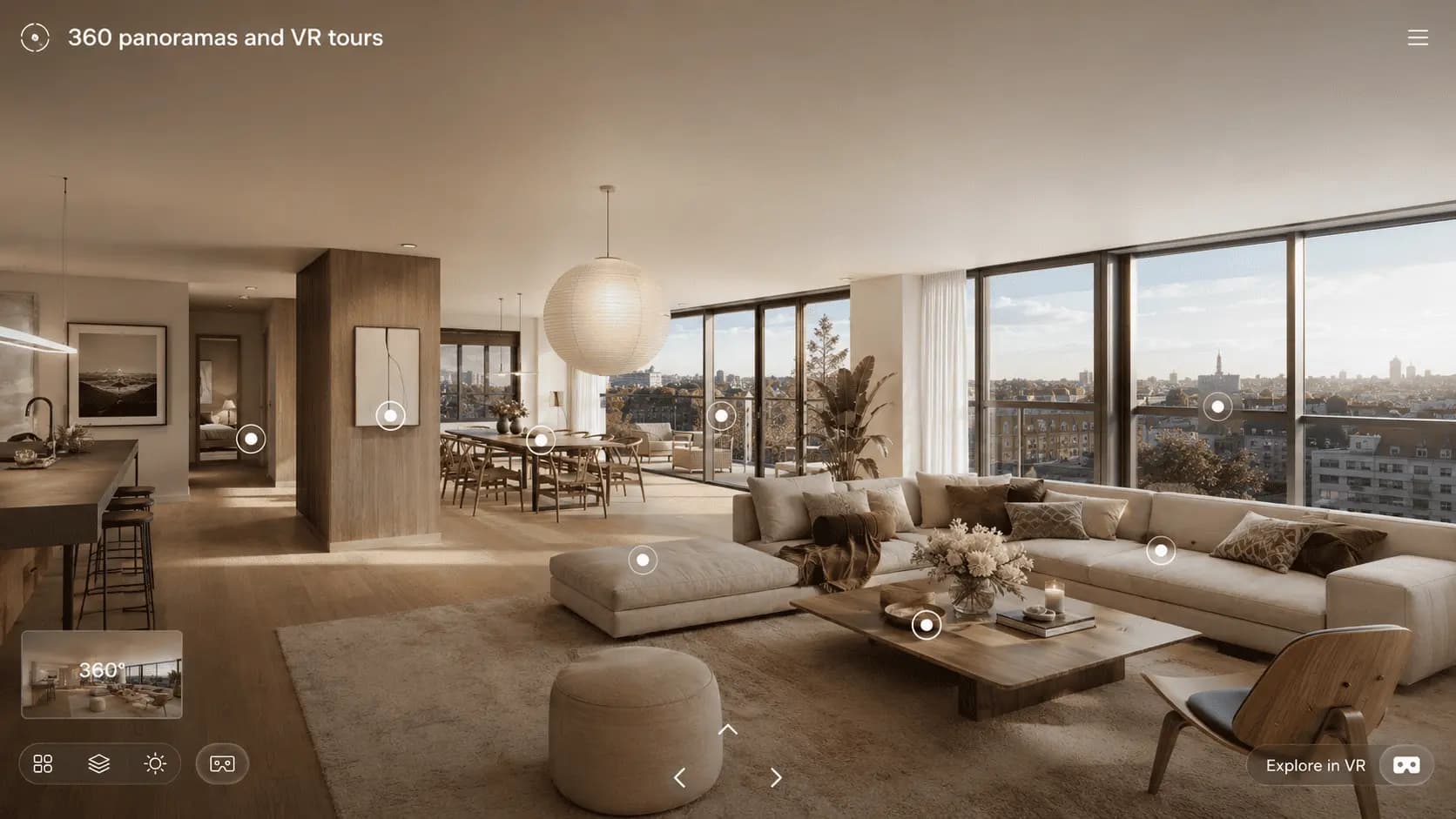
360° Panoramas
A regular render shows one selected angle. A panorama lets the client rotate the camera and better feel the space.
This format is useful for remote sales, developer websites, showrooms, commercial spaces, offices, and investor presentations.
Architectural Visualization
Clients can explore an apartment, office, or showroom online before or instead of a visit.
A panorama strengthens the property page and keeps users engaged longer.
The interactive format shows a more thoughtful and user-focused project presentation.
Business outcome
Users explore the space themselves, interact with the page longer, and remember the property better.
A sales manager can show an apartment, showroom, or office to a client from another city without a visit.
Interactive viewing gives a sense of scale and reduces doubts that static renders often leave.
Included
360° Panoramas
We define positions that best explain space, scale, and functional zones.
We build or adapt the 3D space and set materials, furniture, lighting, and details.
We prepare 360-degree images with correct quality and perspective.
We deliver optimized files for websites, presentations, or interactive viewers.
Portfolio
Panoramas work for apartments, showrooms, offices, and presentation zones where clients need controlled spatial viewing.

01
from $500 / room
01 Apartment 360° panorama
from $500 / room

02
from $850 / room
02 Showroom panorama
from $850 / room
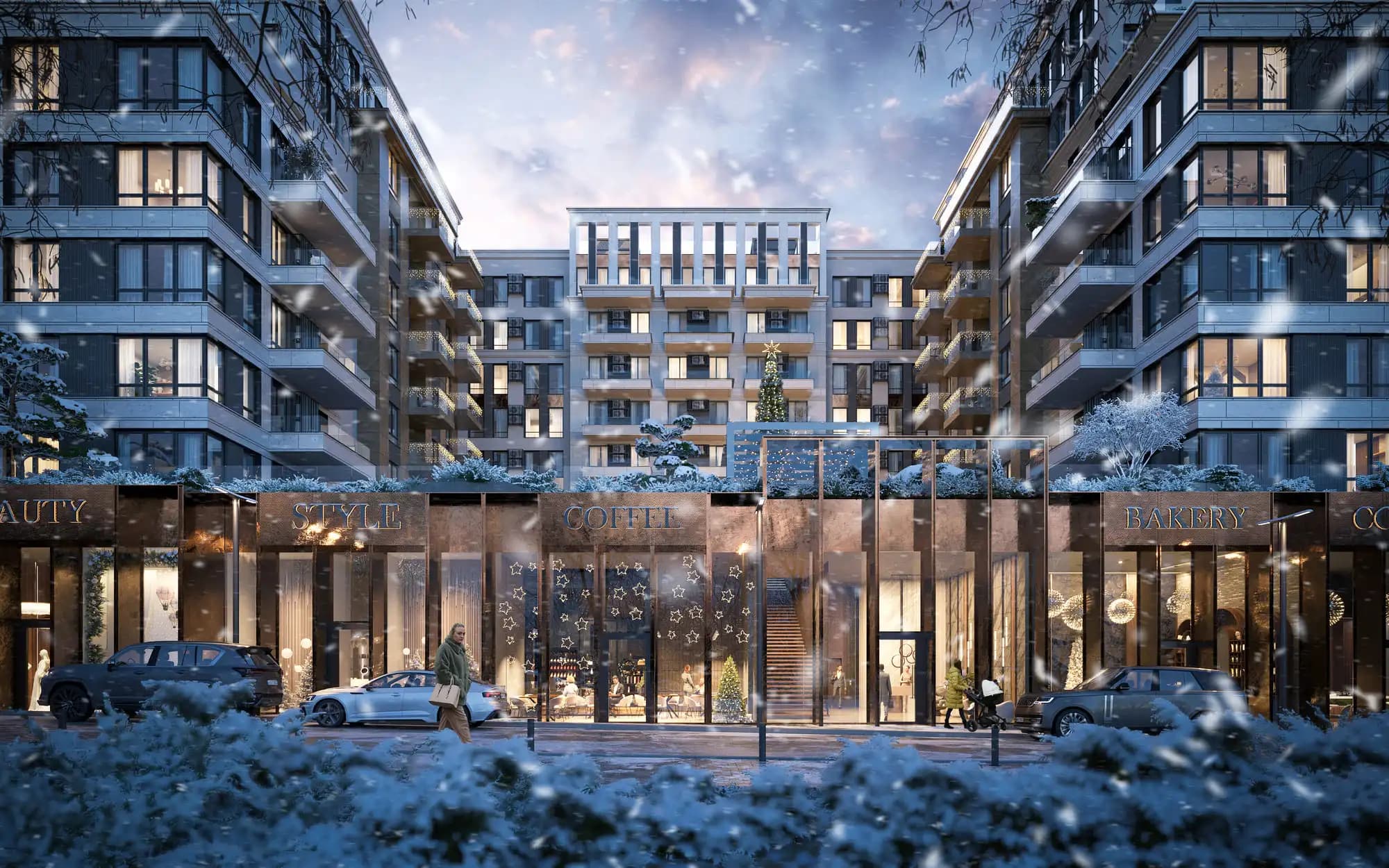
03
from $1,000 / point
03 Residential development 360° panorama
from $1,000 / point

04
from $750 / point
04 Private house 360° panorama
from $750 / point
Pricing
Choose the space type and panorama count. A 30% discount is applied automatically to orders of 5 or more panoramas.
A panorama for an apartment, living room, or private interior.
from $500 / roomThe total is a starting estimate. Scene detail and 3D model readiness are confirmed after the brief.
Commercial terms
Before production, we define source material readiness, review milestones, and the exact output set so the quote reflects the real scope.
Plans, elevations, sections, CAD/BIM/3D files, materials, references, and a view list. Missing information is completed through an agreed brief.
Source review before the final quoteTiming depends on scene scale, model readiness, image or viewpoint count, and detail level. Milestones and dates are stated in the proposal.
Schedule follows a technical reviewFeedback is consolidated at preview milestones. Revision rounds and the boundary between corrections and new scope are agreed before work starts.
Clear review stages and scope boundariesWe deliver agreed assets for web, print, presentations, or video. Resolution, source scenes, and usage rights are specified separately.
The final package matches its delivery channelsFormat details
A panorama gives visitors control: they can turn the camera, inspect zoning, and understand a space at their own pace. This is particularly useful for remote property sales.
Unlike a set of static views, a panorama reveals every direction, so geometry, lighting, and detail must remain convincing across the full sphere.
One 360° viewpoint works for a room, viewing terrace, or courtyard. When users need to move between spaces, several panoramas can become a VR tour with navigation and contextual information.
A focused interactive view of one important space without a complex journey.
Separate scenes for apartment types, amenities, or finish alternatives.
A connected route with transitions, menus, information markers, and analytics.
After approving the viewpoint, we create a spherical render and inspect seams, horizon, and detail. Web delivery is optimized for file weight and responsive touch controls.
360° Panoramas
A render shows one angle. A panorama lets users look around and better understand the scale of the space.
Yes. It can be prepared in web formats for a developer website, landing page, or property page.
It depends on the size and task. One point may be enough for a small room, while apartments or showrooms usually need several points.
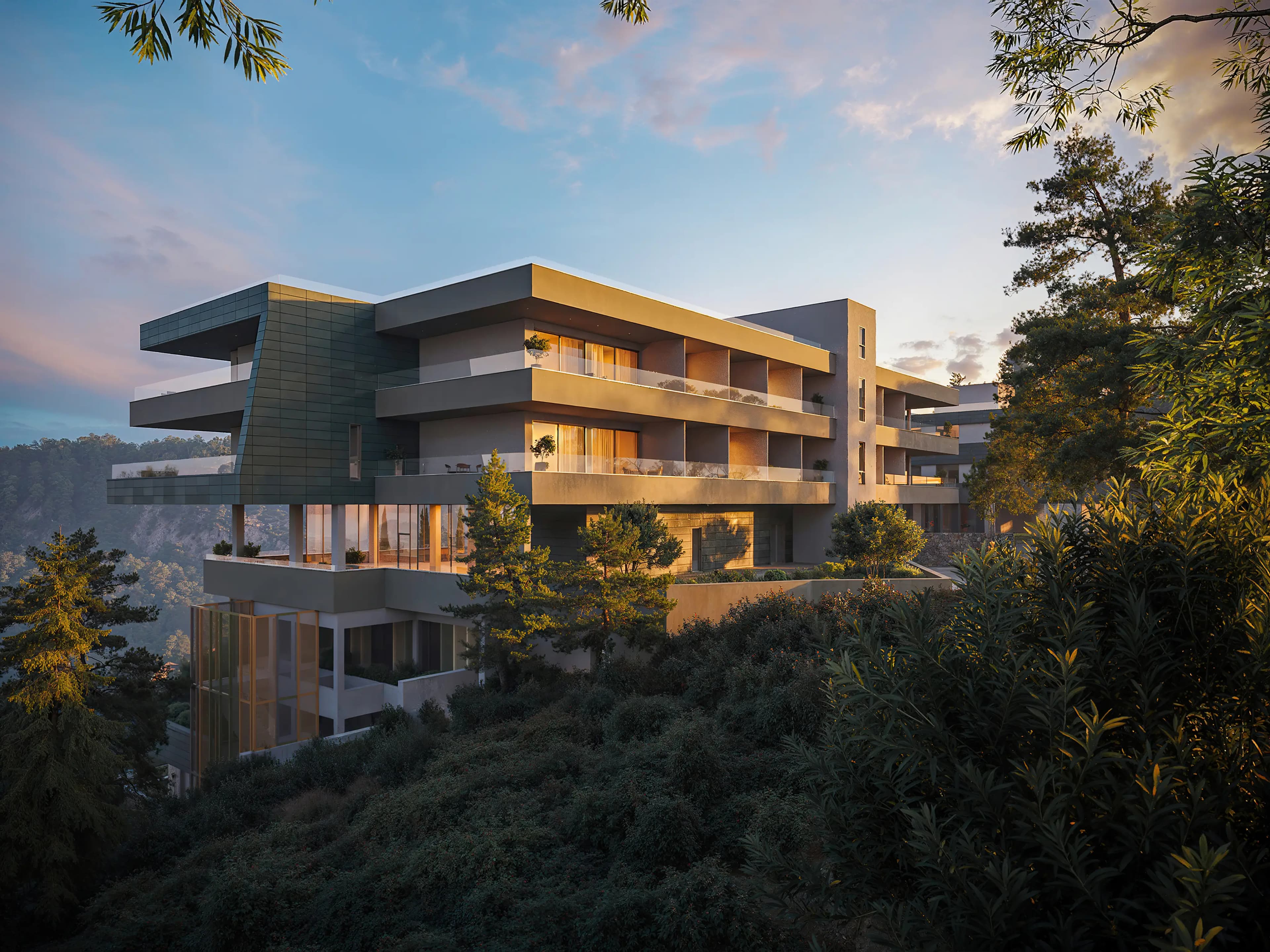
We create visual and digital solutions for developers, architects, and real estate companies. Our team helps present projects before construction is completed, strengthen sales materials, and make communication with potential buyers clearer and more convincing.